On this page
An adjustable bed remote control specification is the controlled map between every user input and the exact bed behaviour expected from an identified control system. It should cover more than button count. OEM buyers need to define handset type, functions, icons, language, pairing, power, presets, storage, manuals, troubleshooting and replacement support before the golden sample is approved.
This guide is for adjustable bed brands, importers, distributors and product managers comparing controls. The first-party photographs show KCAI products and handheld controls displayed at the 2025 Canton Fair. They prove that physical controls were presented with demonstration beds; they do not prove an unseen function list, radio protocol, operating range, electrical compliance or production availability.
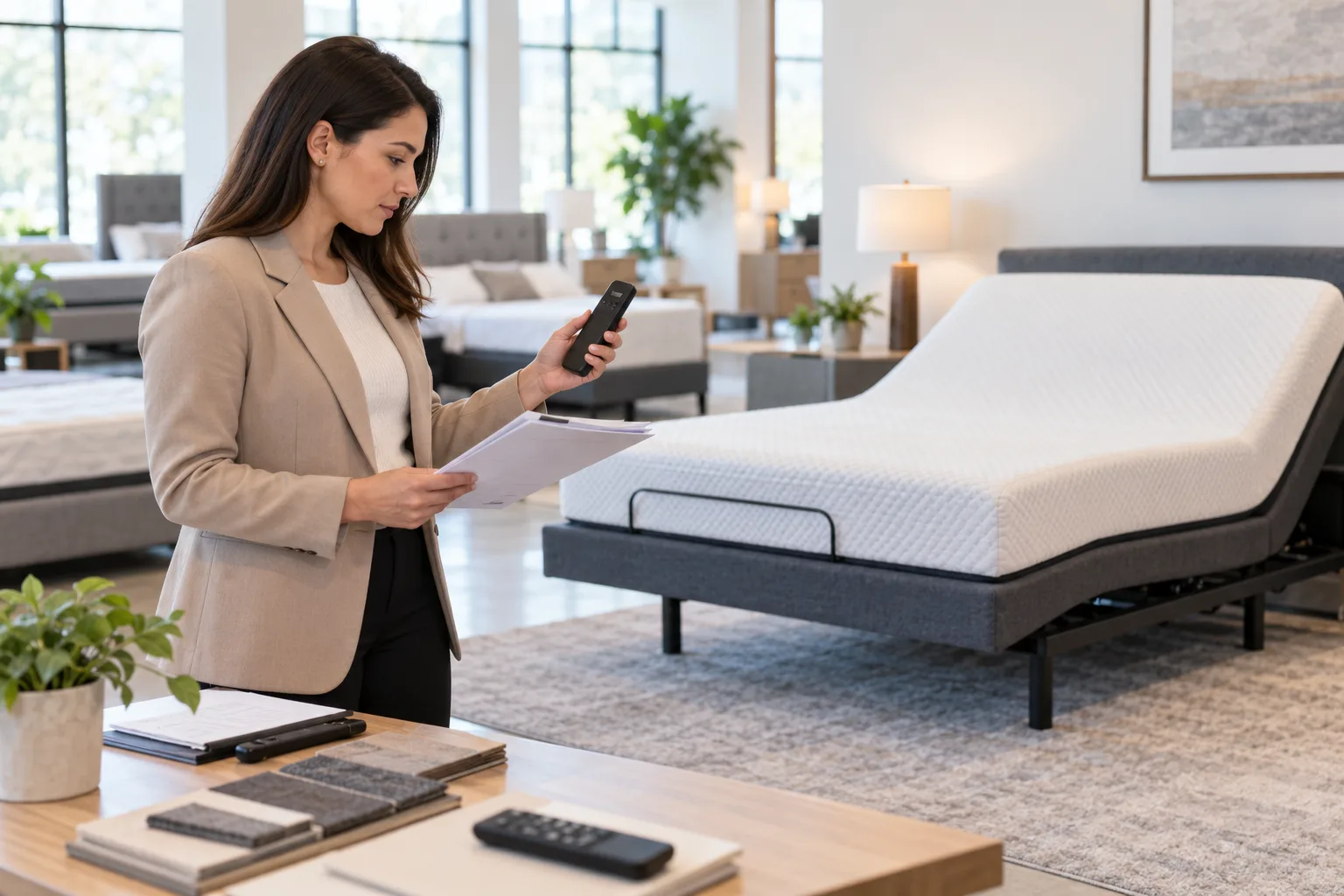
AI-generated generic editorial concept. It is not a KCAI model photograph, test or customer project.
Quick answer: approve behaviour, not appearance
Two remotes can look similar while controlling different motors, presets or accessory functions. Different handset shells may operate the same movement system. The buyer should approve the complete control relationship rather than choose from a catalogue image.
| Control decision | Risk if left undefined | Minimum approval evidence |
|---|---|---|
| Wired or wireless interface | Wrong user experience or incompatible components | Identified handset, control box and connection method |
| Button-to-function map | Icons or labels do not match bed behaviour | Signed function matrix and working sample |
| Presets and memory | Different activation or stored positions than expected | Written logic and repeatable sample test |
| Pairing and identity | Cross-operation or difficult replacement setup | Pairing method, reset procedure and multi-bed test where relevant |
| Power arrangement | Missing batteries, cable or destination-market requirement | Included-parts list and current power-component documents |
| Labels and manual | User confusion or unsupported destination language | Approved artwork, manual revision and packaging sample |
| Replacement support | Visually similar spare does not work with installed base | Compatible part reference, pairing guide and service process |
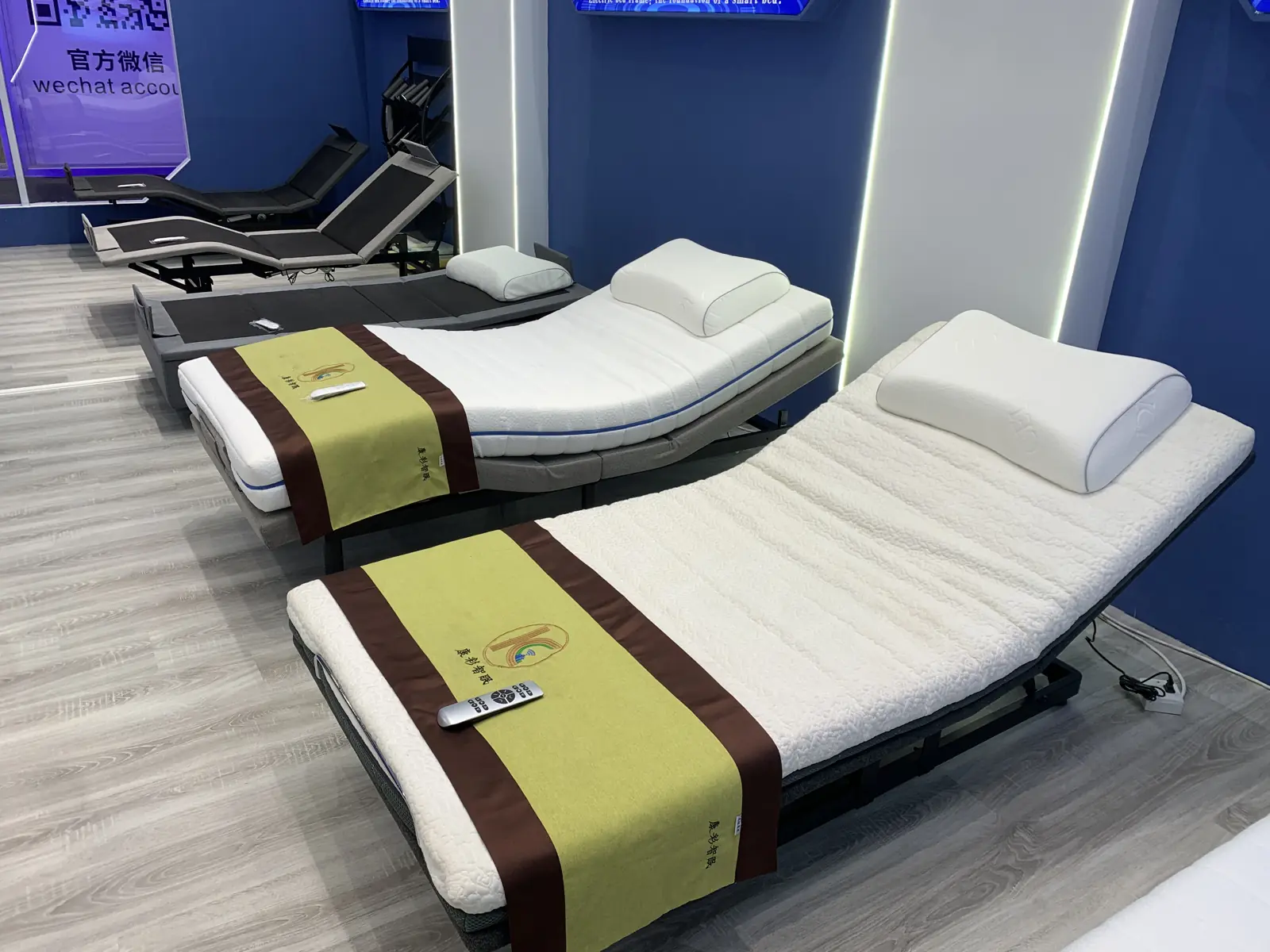
The photo documents the visible controls presented with several beds. It does not establish the internal electronics, exact functions, protocol or compliance status of an ordered configuration.
1. Freeze the product architecture first
The remote specification cannot be finalized until the moving system is defined. Record the number of independently controlled sections, single or split configuration, proposed motors, control box, accessories and any synchronization requirements. If the base architecture changes, the handset map may also need revision.
Begin with these questions:
- Which deck sections or actuators are controlled?
- Are the left and right sides independent, synchronized or selectable?
- Which functions are standard, optional or excluded?
- Is the interface wired, wireless or part of a broader control concept?
- Are presets fixed, programmable or not proposed?
- Which accessories, if any, appear on the handset?
- What happens after power interruption or component replacement?
Use the public controls and accessories range only as a starting point. The final project file must identify the exact control set proposed for the selected electric adjustable bed base.
2. Create a button-to-function matrix
Do not approve a remote using phrases such as "standard functions" or "same as sample". Build a matrix that gives every input a name and expected behaviour.
| Field | Example of what to document | Buyer check |
|---|---|---|
| Physical input | Button position or identifier | Matches the approved artwork and drawing |
| Visible icon/text | Symbol, abbreviation and language | Understandable for the intended market |
| Bed response | Identified section and direction | Matches the current mechanical configuration |
| Activation | Press-and-hold, single press or sequence | Consistent with agreed safety and use logic |
| Preset behaviour | Fixed or programmable, if proposed | Verified on the identified sample |
| Combined input | Simultaneous movement, lock or special sequence | Documented rather than assumed |
| Unused position | Removed, blocked or reassigned | No misleading icon or inactive promise |
This matrix becomes part of the sample approval record. Any firmware, electronics or handset artwork change that affects the mapping should trigger review.
3. Evaluate the handset as a user interface
A control is used in low light, often without a clear view of the bed mechanism. Buyers should assess whether the primary functions can be identified by touch and sight, whether buttons are differentiated, and whether labels remain readable after the chosen artwork process.
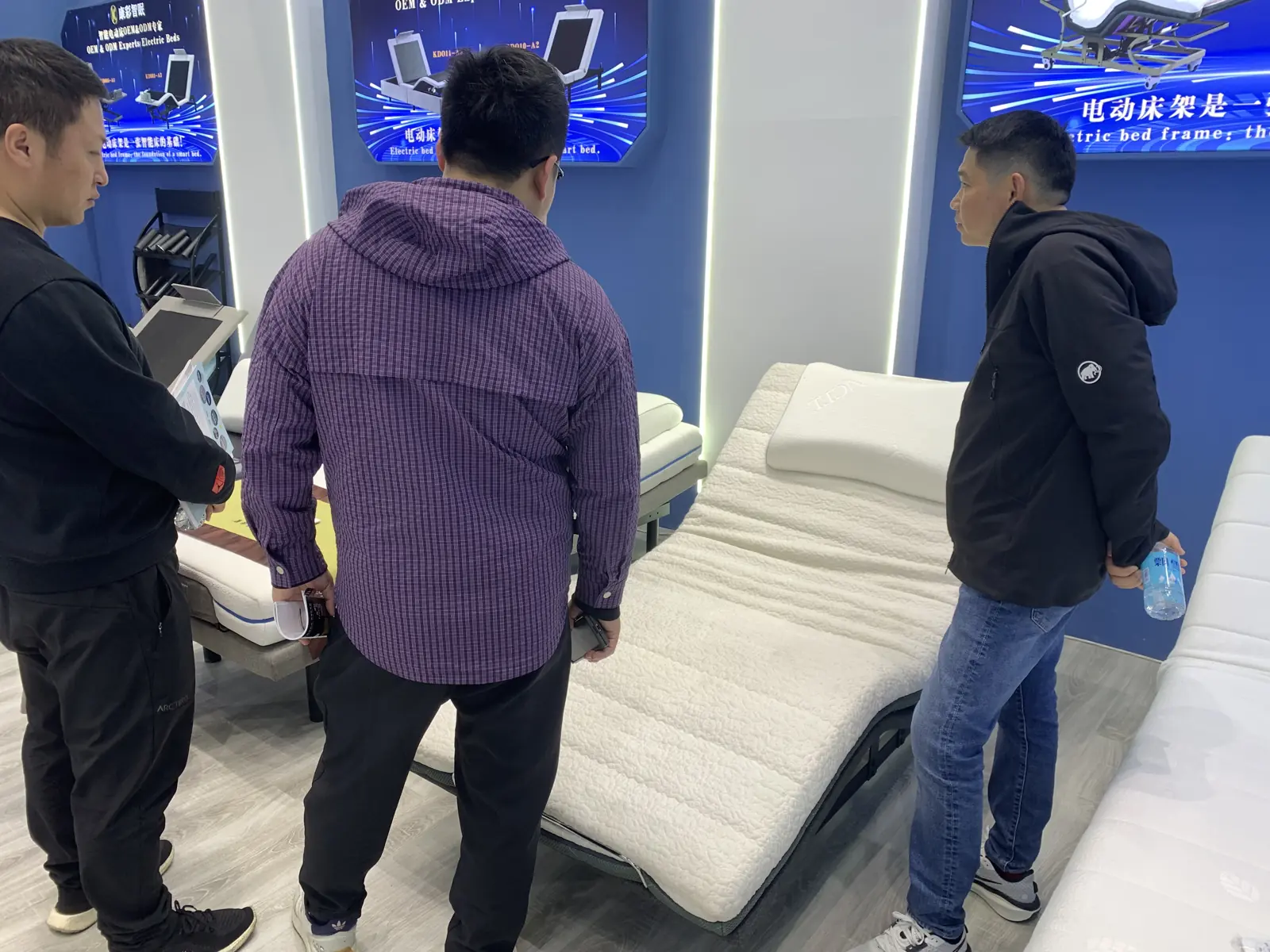
This first-party exhibition photo shows the practical context for handset evaluation. It does not prove button behaviour, accessibility compliance, durability or suitability for a particular user group.
Review:
- handset size, grip and orientation;
- grouping of head, leg and whole-bed controls;
- distinction between movement buttons and presets;
- icon meaning without verbal explanation;
- language and regulatory markings required for the destination;
- indicator lights or display behaviour, if proposed;
- cable exit and length for a wired control; and
- storage position when the handset is not in use.
Do not rely on an exhibition demonstrator's memory for the final function list. Record the result against the identified sample.
4. Define pairing, identity and multi-bed behaviour
Wireless controls add questions that are easy to miss in a single-bed demo. Define how a handset is paired, how pairing is reset, how nearby beds avoid unintended operation and how a replacement handset is introduced.
For split systems, record whether one handset controls one side, both sides or a selectable group. Test the exact combination proposed for sale, including the intended number of bases in the same room. If synchronization is proposed, document how it is enabled, disabled and restored after service.
The specification should state the control-system references that must remain compatible. "Same appearance" is not an acceptable substitute for part identity.
5. Test every input on a production-intent sample
The buyer or appointed reviewer should operate every approved function, not only the most visible movement. Use a controlled checklist and note the sample revision, connected components and test conditions.
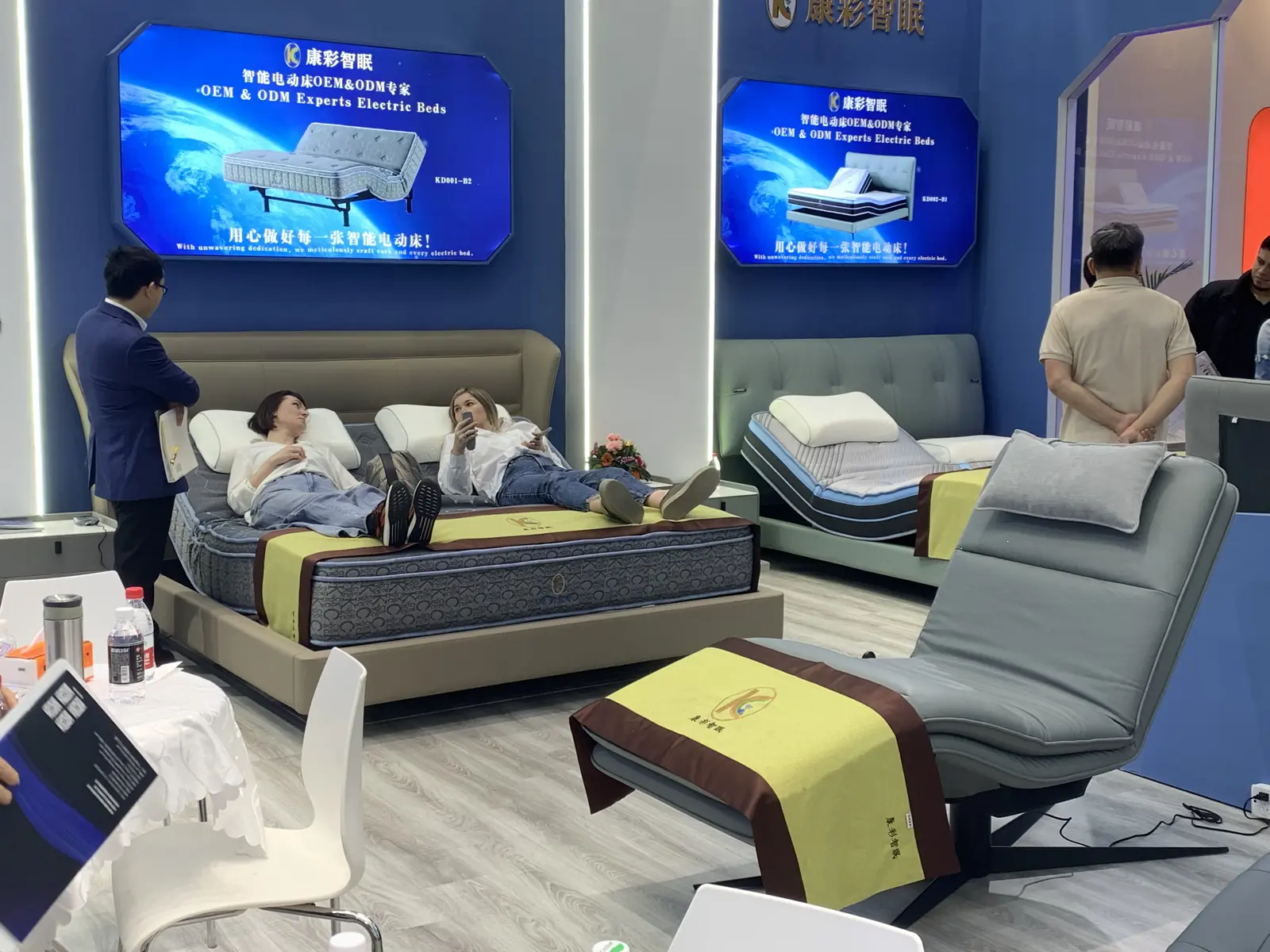
The photograph records real user interaction at the exhibition. It is not a cycle test, usability study, customer endorsement or proof of a production configuration.
A practical sample check includes:
- Confirm the handset, control box, power components and base references.
- Compare every icon and label with the approved artwork.
- Activate each movement input and record the observed section and direction.
- Check presets or combined functions only where they are part of the proposal.
- Verify pairing, reset and recovery after an agreed power interruption.
- Test the intended split or multi-bed relationship where relevant.
- Review handset storage, cable clearance and access in raised positions.
- Photograph the approved components and close all deviations in writing.
Integrate the results into the golden sample approval checklist. A functioning event sample is useful evidence, but it is not automatically the production standard.
6. Control icons, translations and manuals together
Handset artwork, packaging labels and manuals must describe the same behaviour. Treat them as one controlled content set. If an icon changes, check the quick-start guide, troubleshooting instructions and product page at the same time.
Ask native or market-qualified reviewers to assess customer-facing translations. Avoid literal translations that obscure a function or turn a comfort position into an unsupported medical promise. The manual should identify the product, show the relevant control, explain setup and pairing, and provide safe troubleshooting boundaries.
Where an app or third-party integration is proposed, document it as a separate interface with its own version, permissions, compatibility and support questions. Do not assume that a wireless handset automatically means smart-home connectivity.
7. Verify power and compliance by exact scope
The control system may include a handset, receiver or control box, actuators, cables, adapter and batteries. Confirm what is included and which component carries which marking or document. For destination-market review, match every report or declaration to the exact manufacturer, model, revision and configuration it covers.
An exhibition image cannot establish electrical or radio compliance. Ask for current documentation appropriate to the destination and intended sales channel, then have the responsible compliance party evaluate its scope. Do not copy a claim from a different control family because the enclosure looks similar.
8. Plan replacements and after-sales service before launch
Remote controls are visible service parts. Before approving an OEM project, decide:
- replacement part reference and compatibility rules;
- pairing or installation instructions for customers and service teams;
- packaging and identification of spare units;
- handling of revised or superseded controls;
- diagnostic information required before sending a replacement; and
- which party owns customer communication and inventory decisions.
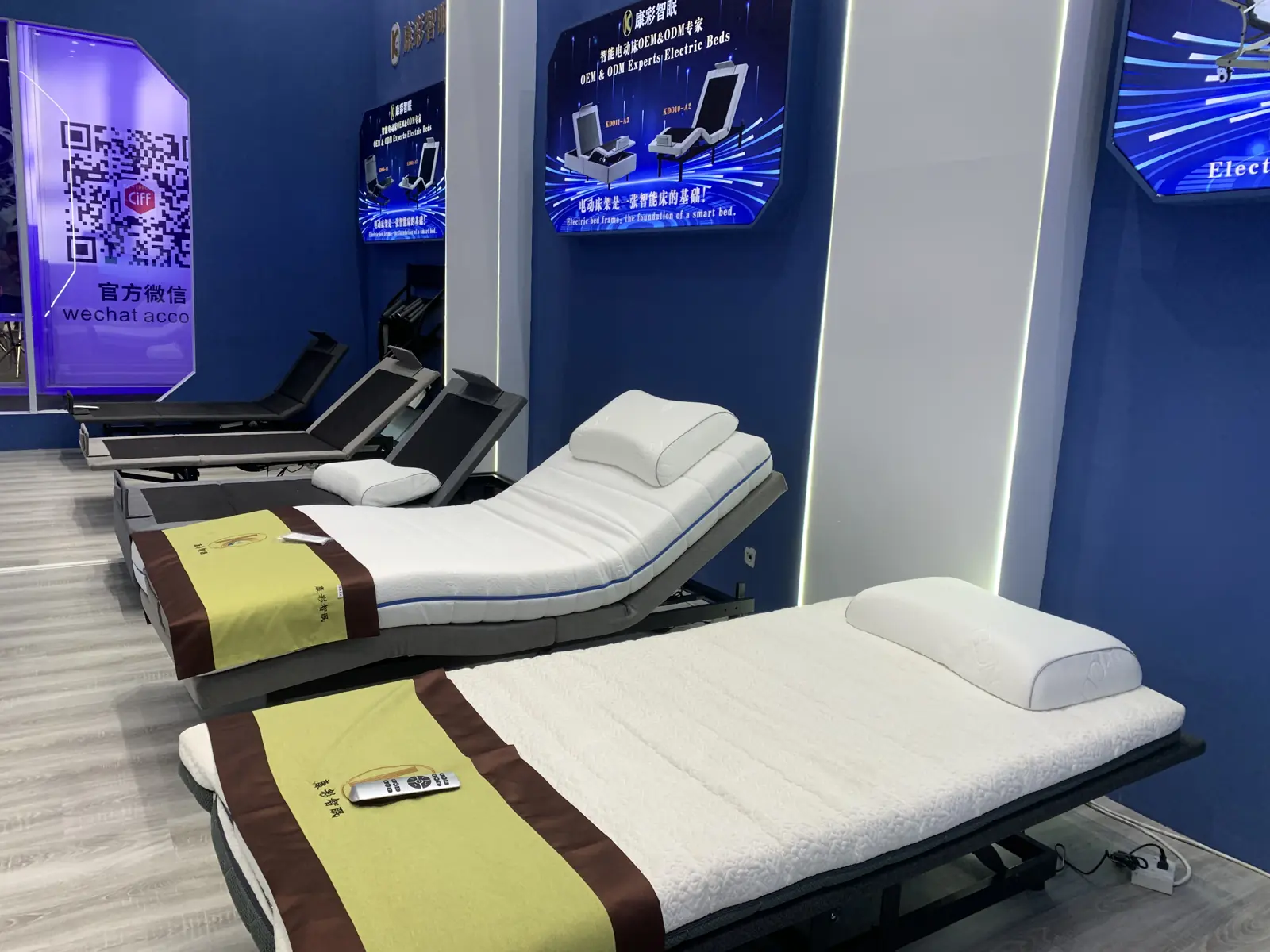
The photograph helps illustrate why each control must be tied to an identified bed. Visual proximity does not prove interchangeability between the displayed control systems.
The adjustable bed after-sales parts guide explains how part identity and service evidence fit into a broader support plan.
OEM remote-control approval checklist
Before production approval, verify that:
- The base, motors, control box and handset have exact references.
- Every button is mapped to documented behaviour.
- Icons, language, manual and packaging describe the same functions.
- Pairing, reset and multi-bed behaviour have been tested where applicable.
- Included power components and accessories are listed.
- Model-specific destination documentation has been reviewed.
- The golden sample records the connected control-system revision.
- Replacement compatibility and support instructions are defined.
Record the remote approval decision
Use one record for the actual bed, handset and controller submitted for review. A button that exists on a catalogue photograph is not evidence that the quoted system includes the corresponding function.
| Approval field | Buyer record |
|---|---|
| Base, handset and control-box references | Pending buyer entry |
| Button label and requested response | Pending buyer entry |
| Actual response and observation date | Pending buyer entry |
| Pairing or multi-bed behavior, if proposed | Pending buyer entry |
| Manual and artwork revisions | Pending buyer entry |
| Open issue, owner and decision | Pending buyer entry |
Keep the sample record with the purchase specification. If a handset, control box or artwork changes, identify the revision and review any affected function map before assuming the original decision still applies. This worksheet documents a buyer's process; it does not claim any specific feature is included in a KCAI model.
Turn the control concept into a precise RFQ
A strong RFQ does not ask only for "wireless remote" or "preset functions." It states the selected base architecture, required inputs, interface, languages, branding, destination, documentation and service expectations. This allows suppliers to quote the same scope and helps the buyer detect assumptions early.
To discuss an OEM control package, Request a quote with the target bed format, required movements, proposed functions, destination market and labeling needs. KCAI can respond to the written requirement without treating a photographed handset as proof of functions that have not been agreed.