On this page
A showroom can make an adjustable bed easy to understand—or leave the customer with the wrong expectation about what comes in the box. The difference is often the demonstration plan. Retail staff need to know which model is on display, what the customer is buying and which functions belong to the quoted configuration.
Quick answer: Train the team around the actual display SKU and approved instructions. Show only included functions, explain the mattress and frame scope, document common questions and route unknowns to the product owner instead of guessing.
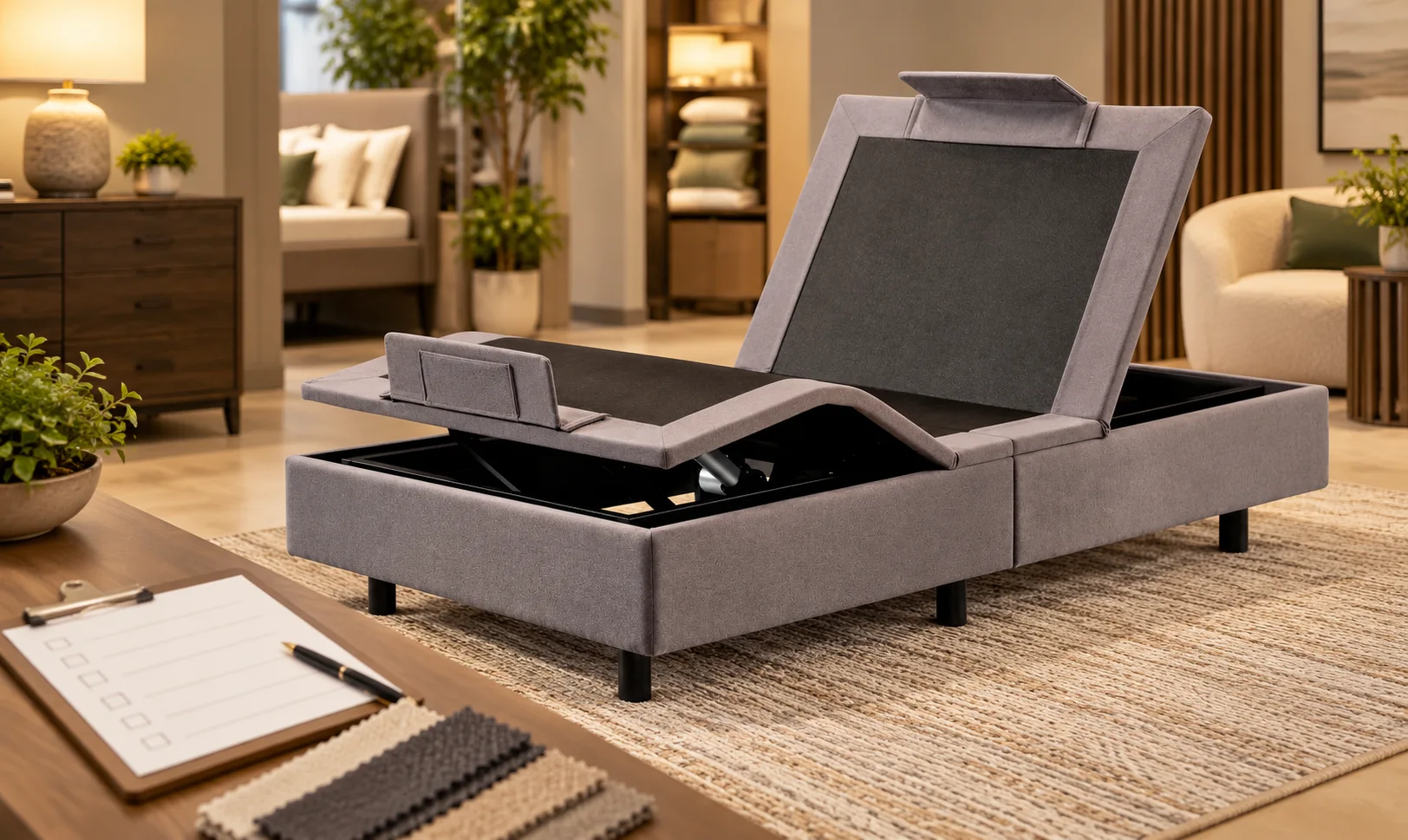
AI-generated editorial concept based on a catalogue reference. It is not a photograph of a retail display or proof of the model's installed options.
Identify the display before demonstrating it
Attach a staff-facing product card to the display record: model, size, revision, control configuration, mattress, included parts and document version. The customer-facing price and product listing should describe the same scope. If the showroom mattress is not included in the bed-frame offer, make that clear before the demonstration begins.
For example, a retailer comparing KD010-A2 and KD011-A3 may want to discuss the presentation of the frame and any surround. The exact contents, finish and functions still depend on the quoted configuration. A catalogue image is not a substitute for the display's approved specification.
Build a demonstration around customer questions
| Customer question | Staff action | Supporting record |
|---|---|---|
| What does this price include? | Explain frame, mattress, controls and delivery scope | Current offer and parts list |
| How does it move? | Use the approved controls and show the actual sample | Model-specific operating guide |
| Will my mattress or furniture fit? | Record dimensions and refer to the compatibility process | Current fit guide and measurement request |
| What happens after delivery? | Explain the documented setup and support route | Approved instructions and service contact |
| Can I order another finish or function? | Identify it as an option to be quoted, if applicable | Current option list |
This is a training framework. It does not prescribe a universal operating sequence; staff should follow the instructions supplied with the actual display.
Teach the difference between a demonstration and a claim
Seeing a section move can help a customer understand the product. It does not establish a tested weight rating, a warranty term, a medical benefit or compatibility with every mattress. Provide staff with approved language for performance, dimensions and service. Where a claim depends on a specific configuration, include that condition on the product card.
If the customer asks about a function that is not on the display, staff can record the request and ask the supplier whether the desired configuration is available. They should not imply that an option seen on a different model is included automatically.
Prepare the display for a consistent handover
Before opening hours, the responsible team can check that the display's identification, approved instructions and customer-facing offer match. When a retailer changes the mattress, remote or upholstery sample, update the display record so the demonstration does not drift away from the product listing.
Give sales staff a route to report an unclear instruction or a customer question. The operations team can group those questions by topic—fit, setup, controls or service—without treating an isolated question as a product failure.
The retailer installation-documentation guide covers the documents needed after delivery. This guide addresses the earlier showroom conversation.
Use a short training sign-off
| Training item | Team member / date | Open question |
|---|---|---|
| Identify the display SKU and configuration | ______ | ______ |
| Explain included and separately sold items | ______ | ______ |
| Locate and follow the approved operating guide | ______ | ______ |
| Describe the fit-assessment route | ______ | ______ |
| Locate warranty and service terms for this offer | ______ | ______ |
| Escalate an unconfirmed claim or feature | ______ | ______ |
For an OEM or private-label launch, ask for the model-specific product sheet, approved image set, operating instructions, packing scope and any documents needed for the destination market. The wholesale buying guide connects the training work to product-line planning.
A five-minute retail demonstration path
Start by identifying the actual mattress, base and controls on the display. Invite the customer to experience the flat setup before operating any approved movement. Demonstrate the functions present on that display, then explain how the customer would receive instructions, delivery information and support. Do not present a showroom impression as a medical benefit or a measured performance result.
| Demonstration step | Staff record |
|---|---|
| Identify display and revision | What is actually shown? |
| Explain approved controls | Which functions were confirmed? |
| Show the complete mattress-and-base pairing | Which mattress is on the display? |
| Clarify delivery and setup | What information is available? |
| Close with next buyer question | Which configuration should be reviewed? |
For a wholesale buyer, this is a staff-training tool: the retailer can compare how easily several approved displays can be explained, but it must not promise that a KCAI model includes a function seen only in an AI image or a different sample. Connect the demonstration to the wholesale buying guide.